Robot vacuum care · Across brands
Can you wash a robot vacuum dustbin and filter?
Choose the cleaning method for each part. Then wash, dry and refit with confidence.
Use clean water for parts confirmed as washable, and empty or gently tap parts that need dry care. Refit washed parts only when completely dry.
This guide covers dustbins and filters in household robot vacuums and vacuum-and-mops. Water tanks, mops and dock dust bags have their own care steps.
Choose your cleaning method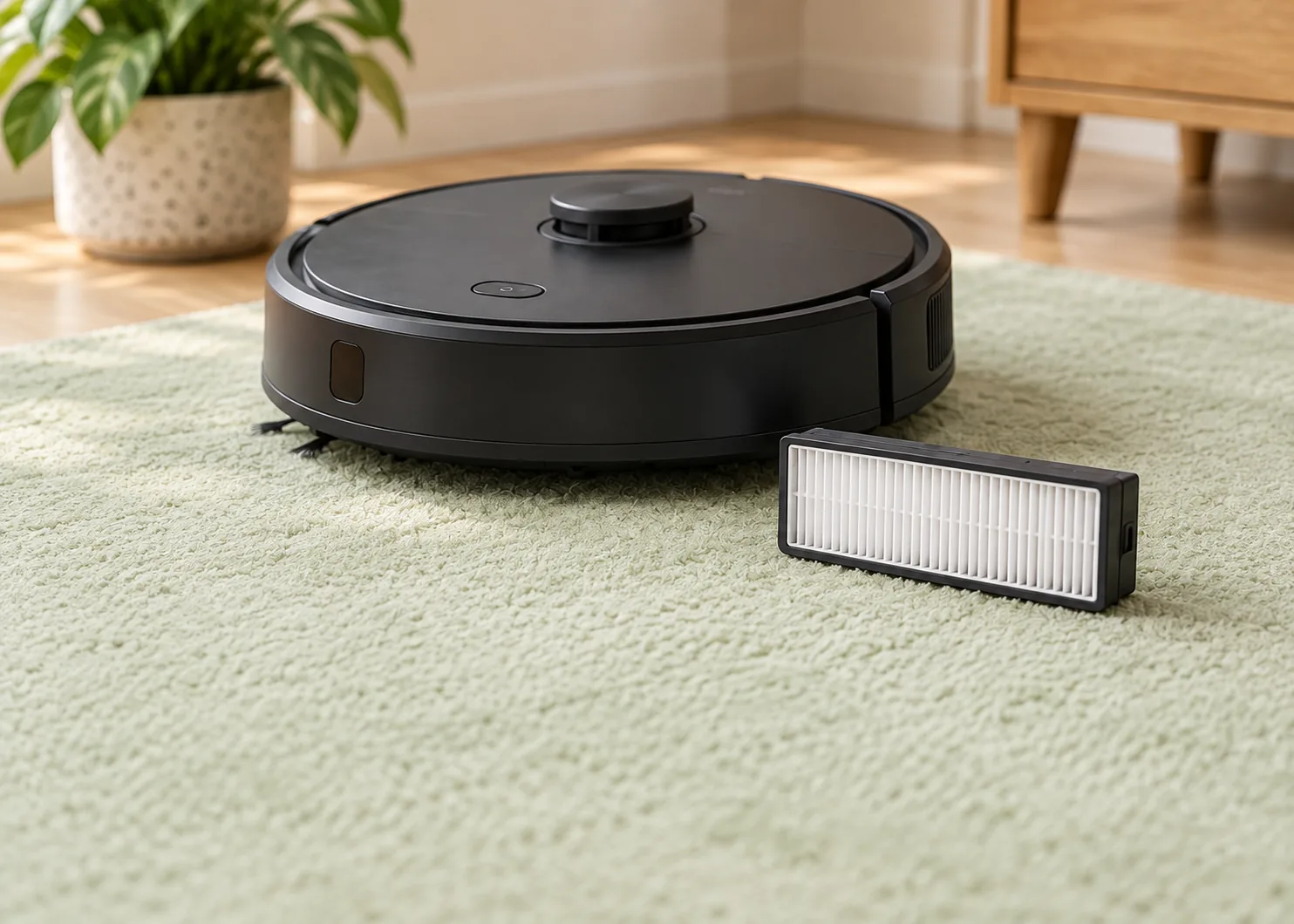
01 / Choose your method
Check the bin and filter separately
Open the official manual for your exact model. In Maintenance, look up Dustbin / Dust Box and Filter separately. If you fitted a third-party replacement, also check that component’s care instructions.
| Component | What the instructions say | What to do |
|---|---|---|
| Dustbin | Rinse / washable bin | Remove the bin using the diagram, give the filter its own care steps, and rinse the washable portion. |
| Dustbin | Keep dry / keep away from liquid | Empty the bin and clear debris from its inlet and interior using the specified dry method. |
| Filter | Washable filter | Rinse as directed, allow the specified drying time and refit only when completely dry. |
| Filter | Tap out debris / do not wash | Remove and gently tap out dust, then inspect the filter material and frame. |
| Washing instructions not yet found | Check the model’s maintenance section | Empty loose dust and remove loose lint first. Find the component’s instructions before adding water. |
Save the relevant manual page once you have found it, so the next clean is straightforward.
Four official examples
Same task, different care combinations
| Model | Dustbin | Filter |
|---|---|---|
| Roomba 600 series | Dry cleaning. | Dry dust removal. |
| Roomba j7+ | Remove the filter, then rinse the bin with warm water. | Tap out dust and keep dry. |
| Roborock Q Revo | Clean water, following the manual’s sequence. | Washable; allow 24 hours and dry thoroughly. |
| eufy X10 Pro Omni | Rinse, then air-dry completely. | Rinse, then air-dry completely. |
For another model, use the component checklist above to choose its cleaning path. Model references: iRobot 600 care; j7+ manual, printed page 8; Q Revo D5–D6; X10 Pro Omni section 7.1.
02 / Empty first
Decide whether this clean needs water
End the cleaning run, move the robot off its dock and power it off as directed for your model. Disconnect the dock’s power for dock maintenance. Remove the dustbin, open it over a trash container and empty the dust and lint.
Now look for dirt stuck inside the bin and hair or dust clumps blocking the inlet.
If emptying and dry cleaning clear the loose debris, refit the parts as directed. For dirt that remains stuck to a washable component, move on to rinsing.
Start with your own maintenance schedule. For example, eufy recommends weekly dustbin and filter cleaning for the X10 Pro Omni. With frequent runs or lots of pet hair, checking for residue when you empty the bin helps you spot buildup sooner.
eufy maintenance schedule03 / Washable parts
Four steps for washing and draining
- Deal with the filter first. Open or remove it as the manual shows and choose its washing or dry-care path. Put a filter that must stay dry away from the sink.
- Rinse the washable portion. Use the water temperature and flow specified. Start with clean water; use detergent, soaking or a dishwasher only where the component’s instructions expressly allow it.
- Follow the filter’s own steps. Rinse washable filters as directed and avoid scraping or damaging the filter material. Gently tap dry-care filters and inspect the frame and material.
- Drain and set out to dry. Open the bin lid and let water drain from grooves and outlets. Dry filters separately where the instructions require separation.
04 / Dry and refit
Allow enough time, then check the parts
Meet both the manufacturer’s drying time and its requirement for complete dryness before refitting. If the instructions simply say “air-dry completely,” allow enough time for moisture within the filter material to dry too.
The Q Revo manual calls for 24 hours for its filter. Plan the wash after a cleaning run so there is a drying window before the next use. Humid conditions or poor ventilation may require longer if moisture remains. Q Revo filter care
| Check | Ready for the next step | If it needs more attention |
|---|---|---|
| Bin walls, corners and lid grooves | No visible droplets or pooled water. | Drain any remaining water, open the lid and continue air-drying. |
| Filter frame and seams | No visible water; the filter has dried thoroughly for the time specified. | Continue drying as needed. Allow the manual’s drying time for moisture within the filter material. |
| Sealing edges and latches | Clean, intact and clear of trapped hair. | Remove hair and inspect any damaged area. |
| Filter and bin installation | Correct orientation, latches engaged and lid closing normally. | Refit the parts and follow your model’s installation prompts. |
This editorial checklist helps spot visible water and fitting problems. Use it together with the specified drying time for the whole filter.
Air-dry parts in a ventilated place. For daily cleaning, a compatible, completely dry spare filter can be useful for rotation; the bin must also be dry before use. Roborock’s E2/E3/E4 care instructions include this spare-filter option. Roborock spare-filter advice
05 / What happens next?
Still having problems after cleaning?
| What you notice | Check first | Next step |
|---|---|---|
| Visible droplets after washing | Bin corners, grooves and the filter frame. | Drain and continue drying. Complete the checks above before refitting. |
| Clumped dust or a damp smell | Wet debris in the bin, leftover dirt, and whether the bin and filter dried fully. | Remove residue, clean using the allowed method and dry. If the smell persists, identify the affected part and check replacement or support options. |
| Poor pickup after cleaning | Filter fitting, bin inlet, air path and brush blockages. | Resolve fitting and blockage issues first, then check wear and the replacement schedule. |
| Holes in the filter, a cracked frame or damaged seal | Which part is damaged: filter, bin or a separately replaceable seal. | Choose a compatible replacement for the affected part. Keep disassembly within the manual’s instructions. |
| Bin or filter not detected after refitting | Orientation, latches and lid closure. | Refit the parts. If the message continues, follow its error instructions or contact support. |
06 / Buy what you need
Choose the part that needs replacing
If cleaning restores normal operation, the parts are intact and replacement is not yet due, keep using them.
- Filter damaged or due for replacement: find the filter for your exact model.
- A spare for rotation: check the care type and compatibility, then choose a quantity that suits your routine.
- Damaged bin or seal: check the bin version, including any vacuum-and-mop or auto-empty connection configuration.
Browse parts by brand and model →
Our purchase results cover the listed US models. If yours is not listed, use your brand’s official parts directory or support service.
For other consumables, read when to clean or replace robot vacuum parts. For dock bags, use the dust bag selection and cost guide.
Ready to restock? Compare original parts, compatible options and kit costs in the replacement-parts buying guide.
Common questions
Before the next clean
If the bin is washable, can I wash its filter too?
Check the two components separately. The j7+ bin can be rinsed while its filter needs dry care; the X10 Pro Omni manual allows both to be rinsed. Follow the instructions for the parts in your robot.
Do I still need to clean the bin with an auto-empty dock?
Yes. Continue checking the bin, inlet and filter according to the maintenance schedule. Remove residue and empty or clean them as needed.
Can I use detergent if water leaves dirt behind?
Check the component’s instructions first. The Q Revo dustbin procedure specifies clean water only. The X10 Pro Omni filter instructions exclude brushes, hot water and detergent. If stubborn residue still affects use, follow your model’s care or replacement advice.
eufy manual, section 7.1